


Blog
What is Autopay? A Complete Guide to Automatic Payments, How It Works, Benefits, Risks & Setup (2026 Guide)

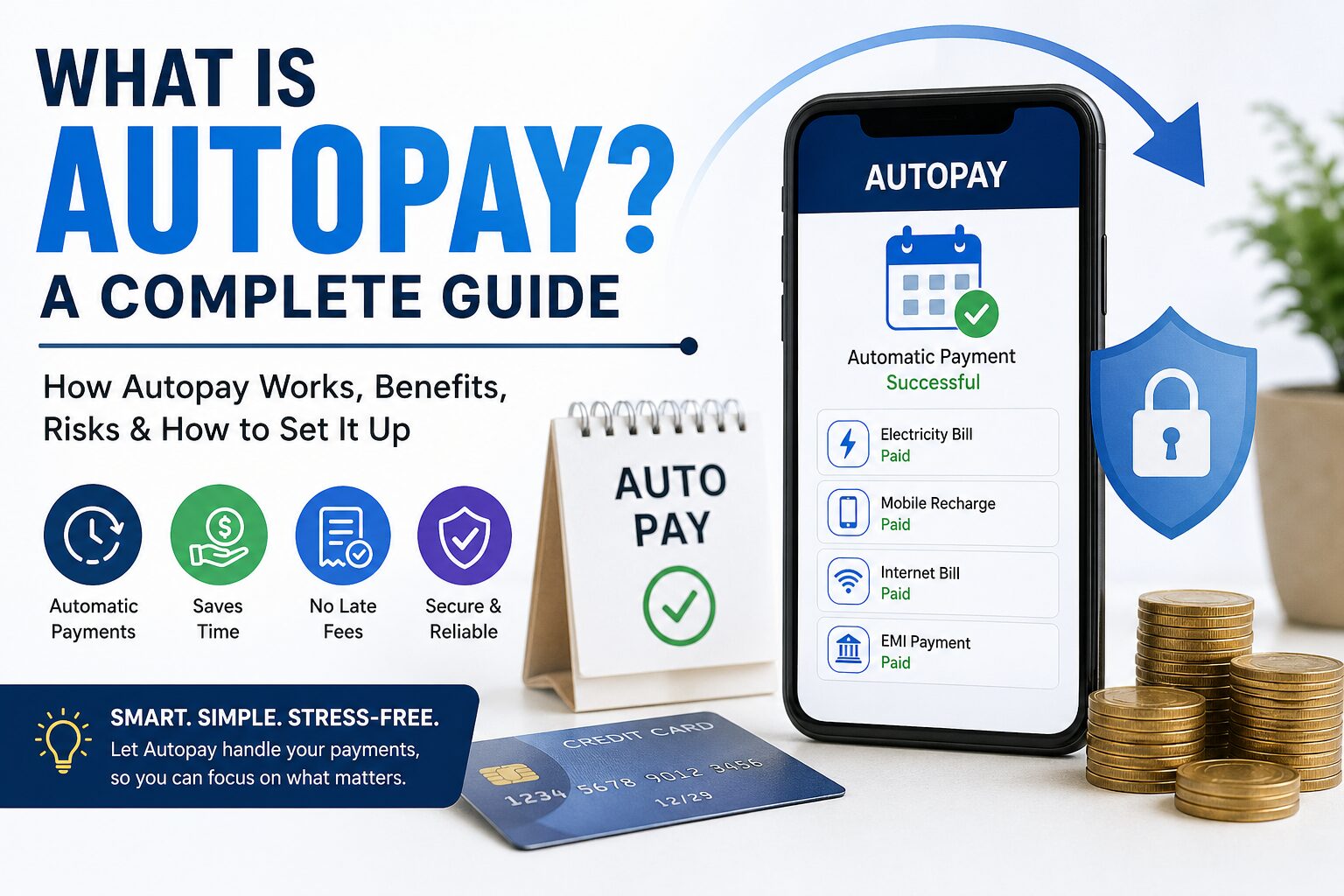
Learn what Autopay is, how automatic payments work, their benefits, risks, and how to set them up safely. Complete beginner-to-advanced guide to autopay systems in 2026.
Introduction: The Rise of Autopay in the Digital Era
In today’s fast-paced world, managing finances manually is becoming outdated. With increasing bills, subscriptions, and digital services, remembering every due date can be overwhelming. That’s where Autopay comes in—a modern financial solution designed to automate your payments and simplify life.
From electricity bills to Netflix subscriptions and loan EMIs, autopay is transforming how people handle money. Whether you are a salaried employee, a business owner, or a freelancer, understanding autopay can save time, avoid penalties, and improve financial discipline.
This guide explains everything—what autopay is, how it works, its benefits, risks, and how to use it wisely.
What is Autopay?
Autopay, also known as automatic payment, is a system where a bank or payment platform automatically deducts money from your account to pay bills or subscriptions on a scheduled date.
Instead of manually paying each bill, you authorize a service provider to collect payments automatically.
Simple Definition
Autopay is a financial feature that allows recurring payments to be made automatically from your bank account, debit card, credit card, or digital wallet.
Examples of Autopay in Daily Life
- Electricity bills paid every month automatically
- Mobile recharge or postpaid bill deduction
- Netflix, Amazon Prime subscriptions
- Loan EMIs or credit card payments
- Insurance premiums
- Rent payments via bank mandates
How Does Autopay Work? (Step-by-Step Explanation)
Understanding the working process is essential to use autopay safely.
Step 1: Authorization
You give permission to a service provider (like a bank or app) to deduct money automatically.
Step 2: Payment Setup
You choose:
- Payment method (bank account, card, UPI)
- Amount (fixed or variable)
- Frequency (monthly, weekly, yearly)
Step 3: Mandate Creation
A mandate is created. This is a legal instruction allowing automatic deductions.
Step 4: Notification
Before deduction, you usually receive a notification (SMS/email).
Step 5: Automatic Deduction
On the due date, money is deducted and paid to the service provider.
Step 6: Confirmation
You receive confirmation of successful payment.
Types of Autopay Systems
1. Bank Autopay (Standing Instructions)
Set directly through your bank account.
2. Credit Card Autopay
Bills are automatically paid using your credit card.
3. UPI Autopay
Popular in India, allows recurring payments via UPI apps.
4. Subscription-Based Autopay
Used by OTT platforms, SaaS tools, and memberships.
5. ECS / NACH Mandates
Common for loans and insurance payments.
Key Features of Autopay
- Automatic deductions
- Recurring payment scheduling
- Notifications before debit
- Secure authorization
- Easy cancellation or modification
Benefits of Autopay
1. Never Miss a Payment
Late fees and penalties are eliminated.
2. Saves Time
No need to manually pay bills every month.
3. Improves Credit Score
Timely payments help maintain a good financial record.
4. Stress-Free Financial Management
You don’t need to remember multiple due dates.
5. Ideal for Busy People
Professionals and business owners benefit greatly.
6. Better Financial Discipline
Encourages consistent payment habits.
Disadvantages of Autopay
1. Risk of Overdraft
If your account has insufficient balance, payments may fail or incur charges.
2. Less Spending Awareness
Automatic payments may reduce awareness of expenses.
3. Difficult to Track Subscriptions
You might forget unused subscriptions.
4. Unauthorized Charges
If not monitored, errors or fraud can occur.
Is Autopay Safe?
Yes, autopay is generally safe when used with trusted platforms. However, safety depends on how you manage it.
Safety Tips
- Use trusted banks and apps only
- Enable SMS/email alerts
- Monitor your account regularly
- Set spending limits
- Avoid sharing sensitive details
How to Set Up Autopay (Step-by-Step Guide)
Method 1: Through Bank
- Log in to net banking
- Go to “Standing Instructions”
- Add biller details
- Set amount and frequency
- Confirm setup
Method 2: Using UPI Apps
- Open your UPI app
- Select Autopay / Mandates
- Enter subscription details
- Approve with UPI PIN
Method 3: Via Subscription Services
- Add payment method
- Enable auto-renewal
- Confirm authorization
Autopay vs Manual Payment
| Feature | Autopay | Manual Payment |
|---|---|---|
| Convenience | High | Low |
| Risk of Delay | None | High |
| Control | Moderate | High |
| Time Required | Minimal | More |
Autopay in India: Growing Trend
Autopay adoption in India has increased rapidly due to:
- Digital India initiatives
- UPI revolution
- Growth of subscription services
- Online banking expansion
Major sectors using autopay:
- Telecom
- OTT platforms
- Banking & loans
- Insurance
- Utilities
Common Use Cases of Autopay
- EMI payments
- SIP investments
- Gym memberships
- SaaS tools
- Internet bills
- Rent agreements
Mistakes to Avoid While Using Autopay
- Not checking bank balance
- Ignoring notifications
- Keeping unused subscriptions active
- Linking autopay to main savings account
- Not reviewing statements
How to Cancel Autopay
Steps
- Go to bank/app settings
- Open mandates/autopay section
- Select active autopay
- Click cancel or revoke
- Confirm action
Future of Autopay
Autopay is evolving rapidly with:
- AI-based financial management
- Smart payment reminders
- Voice-enabled payments
- Blockchain-based authorization
- Integrated budgeting tools
In the future, autopay will become more personalized and intelligent.
Who Should Use Autopay?
Autopay is ideal for:
- Salaried individuals
- Business owners
- Students managing subscriptions
- Families handling multiple bills
Who Should Avoid Autopay?
- People with irregular income
- Those who struggle with budgeting
- Users who prefer full manual control
Conclusion
Autopay is one of the most powerful tools in modern financial management. It simplifies life, ensures timely payments, and helps maintain financial discipline. However, like any tool, it must be used wisely.
The key is balance—automate essential payments but keep track of your finances regularly.
FAQs About Autopay
1. Is autopay free?
Most autopay services are free, but some platforms may charge fees.
2. Can I stop autopay anytime?
Yes, you can cancel it anytime.
3. What happens if balance is low?
The payment may fail, or you may be charged penalties.
4. Is autopay safe in India?
Yes, especially with RBI guidelines and secure systems.
Want to Rank This Article on Google? (Pro Tip)
To boost ranking:
- Add internal links
- Use proper keywords like “autopay meaning”, “automatic payment system”
- Add FAQs schema
- Keep updating content
- Improve page speed
If you want, I can next:
- Expand this into 10,000+ words
- Add high-ranking keywords
- Create a blog-ready HTML version
- Or design a website post with headings + images
Just tell me 👍
Discover more from Mithu Tech Group
Subscribe to get the latest posts sent to your email.